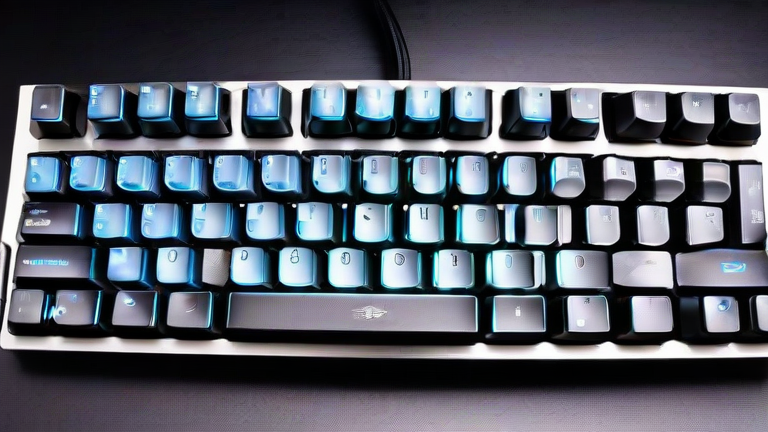
TL;DR: The best mechanical keyboards under $150 for programmers and gamers are the Keychron V1 Max (best all-rounder), the Womier SK71 (best budget), and the Epomaker TH80 Pro (best wireless value). For pure gaming, the Razer BlackWidow V4 X wins on latency, while the NuPhy Air75 V2 is the top low-profile choice for typists.
Why $150 Is the Sweet Spot
Under $150, you get gasket-mounted builds, hot-swappable switches, and tri-mode connectivity—features that were once reserved for $200+ boards. The key is to prioritize switch type and stabilizer quality over RGB lighting. For programmers, tactile switches (like Gateron Brown or Kailh Box White) reduce accidental keystrokes; for gamers, linear switches (like Gateron Red or Razer Yellow) offer faster rebound times.
If you want to dig deeper, check out our guide on Raspberry Pi 5 vs 4: Performance, Power, and Price Compariso.
Top Picks Compared
Keychron V1 Max ($99) – This 75% board delivers a superb typing feel with its silicone dampening and south-facing RGB. It supports QMK/VIA remapping, making it a coder’s dream. The only downside is the ABS keycaps, which shine after months of use.
Epomaker TH80 Pro ($89) – A close competitor with a rotary knob and 4000mAh battery. Its aluminum plate gives a stiffer, more responsive feel for fast-paced games. However, the stock stabs are slightly rattly—lubing them fixes the issue.
Womier SK71 ($49) – The budget king. It lacks wireless and QMK, but its factory-lubed linear switches and foam-filled case make it feel like a $100 board. Perfect for beginners or as a travel keyboard.
Razer BlackWidow V4 X ($119) – A full-size option with Razer’s HyperSpeed wireless (2.4GHz) and dedicated macro keys. Its green switches are clicky, which is great for gaming feedback but annoying for open-office coding.
NuPhy Air75 V2 ($119) – Ultra-slim (21mm) with low-profile Gateron switches. Its 2.4GHz dongle has a poll rate of 1000Hz, making it surprisingly competitive for esports. The PBT keycaps are a rarity at this price.
Which Should You Buy?
If you type 8+ hours daily, get the Keychron V1 Max. If you play competitive shooters, grab the Razer BlackWidow V4 X. For a portable hybrid, the NuPhy Air75 V2 is unbeatable. Avoid full-size boards if you have limited desk space—75% or 65% layouts save your mouse arm. Always check if the board supports QMK; proprietary software (like Razer Synapse) is fine for gaming but lags for custom macros.
FAQ
Q: Are hot-swappable switches worth it under $150?
A: Absolutely. They let you test different switch types (e.g., linear → tactile) without buying a new board. All picks above are hot-swappable except the Razer, which is soldered.
Q: What’s the biggest difference between a $50 and a $150 mechanical keyboard?
A: Build quality and sound profile. $150 boards have gasket mounts, multiple foam layers, and better stabilizers, resulting in a deeper, thockier sound and less flex. $50 boards often ping or rattle.
Q: Can I use these keyboards with Mac and Windows?
A: Yes—all five support both, but the Keychron V1 Max and Epomaker TH80 Pro have dedicated Mac/Windows toggle switches. The Razer and NuPhy require software adjustments for media keys on Mac.
Leave a Reply