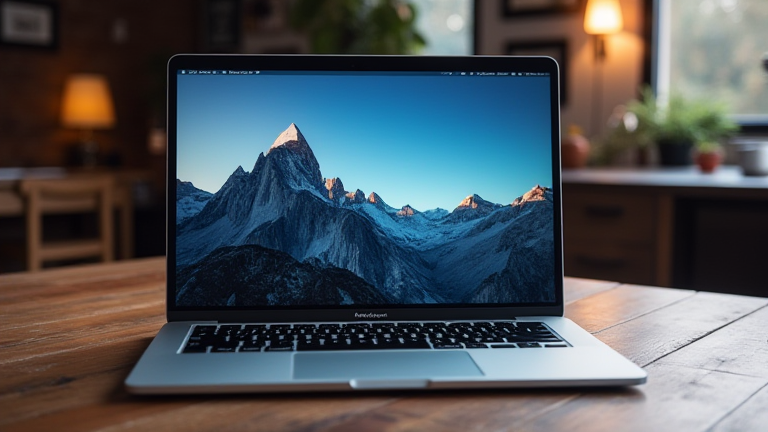
TL;DR: The M4 MacBook Pro brings desktop-class ray tracing, Thunderbolt 5, and a nano-texture display to a portable chassis, eliminating the last real compromises for creative professionals. It effectively collapses the gap between studio workstations and on-location workflows, making it the first laptop that genuinely needs no desk.
Apple’s M4 family has arrived, and the MacBook Pro is the biggest beneficiary. Built on second-generation 3nm process technology, the M4 Pro and M4 Max pack up to 16 CPU cores and 40 GPU cores, with the Max offering 546GB/s of memory bandwidth—roughly 75% more than its predecessor. In real-world terms, that means 8K ProRes timelines scrub without proxies and Blender renders finish in a coffee break rather than an afternoon.
If you want to dig deeper, check out our guide on 7 Simple Lifestyle Changes for Better Health and Happiness.
Hardware That Removes Excuses
The headline feature for visual artists is hardware-accelerated ray tracing, now twice as fast as the M3 generation. Combined with a 16-core Neural Engine, on-device AI upscaling and noise reduction in tools like DaVinci Resolve and Topaz become instant rather than deliberate. The 14- and 16-inch Liquid Retina XDR displays now offer a nano-texture option, cutting glare in uncontrolled lighting—a quiet but massive win for colorists working on location.
Connectivity finally matches the silicon: Thunderbolt 5 delivers 120Gb/s transfer speeds and supports up to three external 6K displays. Add a 12MP Center Stage webcam and up to 24 hours of battery life, and the case for a separate desktop machine gets thinner by the quarter.
Industry Impact
Post houses and design studios are already rethinking hardware refresh cycles. With this much headroom, agencies can standardize on a single laptop fleet instead of maintaining workstation towers plus field machines. Freelancers benefit most: one device now handles capture, edit, color, and delivery.
FAQ
Q: Is the M4 Max worth it over the M4 Pro for video editors?
A: For 8K RAW, heavy motion graphics, or 3D work, yes—the extra GPU cores and bandwidth pay for themselves. For 4K editing and photography, the M4 Pro is more than sufficient.
Q: Does the nano-texture display affect color accuracy?
A: No. It reduces reflections without altering calibrated color reproduction, making it ideal for bright or uncontrolled environments.
Q: Can the M4 MacBook Pro replace a Mac Studio?
A: For most solo creatives, absolutely. Only workflows demanding sustained multi-day renders or massive internal storage still justify a desktop.
Leave a Reply