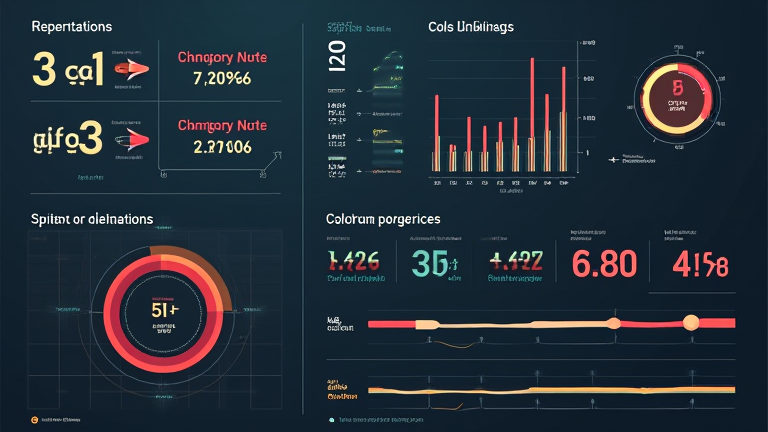
TL;DR: This fake data dashboard is neither a useless toy nor a full-scale production tool, but a highly effective prototype generator for developers. It bridges the gap between concept and execution by allowing rapid visualization without backend complexity.
The Promise of Local AI
In an era where cloud dependency raises privacy concerns and latency issues, local AI solutions offer a compelling alternative. The recent release of a tool that generates realistic fake data dashboards from a single natural language prompt has captured the attention of data engineers and UX designers alike. The core premise is simple: you describe your desired dataset structure and visual style, and the local model generates both the synthetic data and the interactive dashboard interface. This eliminates the tedious process of manually creating CSV files or connecting to test databases.
Feature Highlights
The standout feature is undoubtedly the one-prompt generation capability. Users can input a request like “Create a sales dashboard for a retail chain with monthly trends and regional breakdowns,” and receive a fully functional HTML/JavaScript interface populated with statistically plausible data. The local processing ensures that no sensitive structural information leaves your machine, a critical factor for enterprise clients. Additionally, the tool supports various visualization types, including bar charts, heatmaps, and scatter plots, all rendered client-side. The ability to tweak parameters such as date ranges, currency formats, and geographic regions adds a layer of customization that is rare in automated generators. Performance is surprisingly robust, leveraging optimized inference engines to render complex visuals in seconds rather than minutes.
Toys vs. Tools: A Comparative Analysis
Is this merely a novelty item for developers to play with, or a serious utility? When compared to traditional tools like Excel or even dedicated BI software like Tableau, this solution lacks deep data transformation capabilities. You cannot perform complex SQL queries or join multiple datasets directly within the generated dashboard. However, when compared to other mock-up generators, it offers superior realism. Many competitors produce static images or rigid templates, whereas this tool creates dynamic, interactive elements that respond to user input. It is not a replacement for a full data pipeline, but it is an invaluable tool for stakeholder presentations, UI testing, and rapid prototyping. For teams needing to demonstrate a concept without building the backend, it saves hours of setup time.
Final Verdict
The “One Prompt, Local AI” dashboard generator is a sophisticated bridge between imagination and implementation. It empowers developers to focus on design and logic rather than data wrangling. While it has limitations regarding data integration and advanced analytics, its strengths in privacy, speed, and ease of use make it a valuable asset in the modern developer toolkit.
FAQ
Q: Is the generated data secure and private?
A: Yes, because the AI model runs locally on your machine, no data is transmitted to external servers, ensuring complete privacy.
If you want to dig deeper, check out our guide on Nostalgic Vintage Chairs: When Furniture Was Just a Chair.
Q: Can I export the generated dashboard to a production environment?
A: You can export the HTML and JavaScript code, but you will need to manually integrate it with a real backend database for live data.
Q: What hardware requirements are needed to run this tool?
A: A modern computer with at least 16GB of RAM and a dedicated GPU is recommended for smooth performance and fast rendering.
Leave a Reply